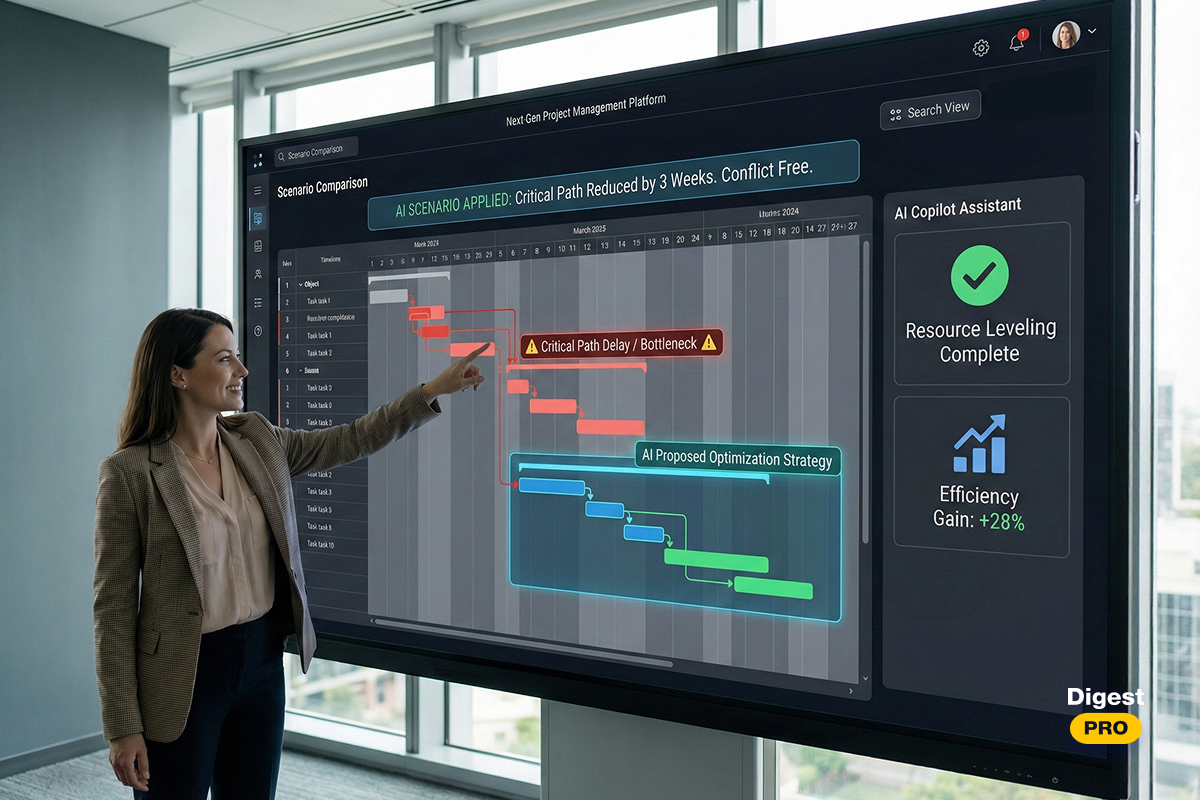
Does your project management framework accelerate growth or simply track tasks? In 2026, high-performance Scrum tools are the core technology of today’s businesses. Basic Scrum tools lacking predictive analytics cannot help maintain or compete with other businesses at all levels of performance.
Key takeaways
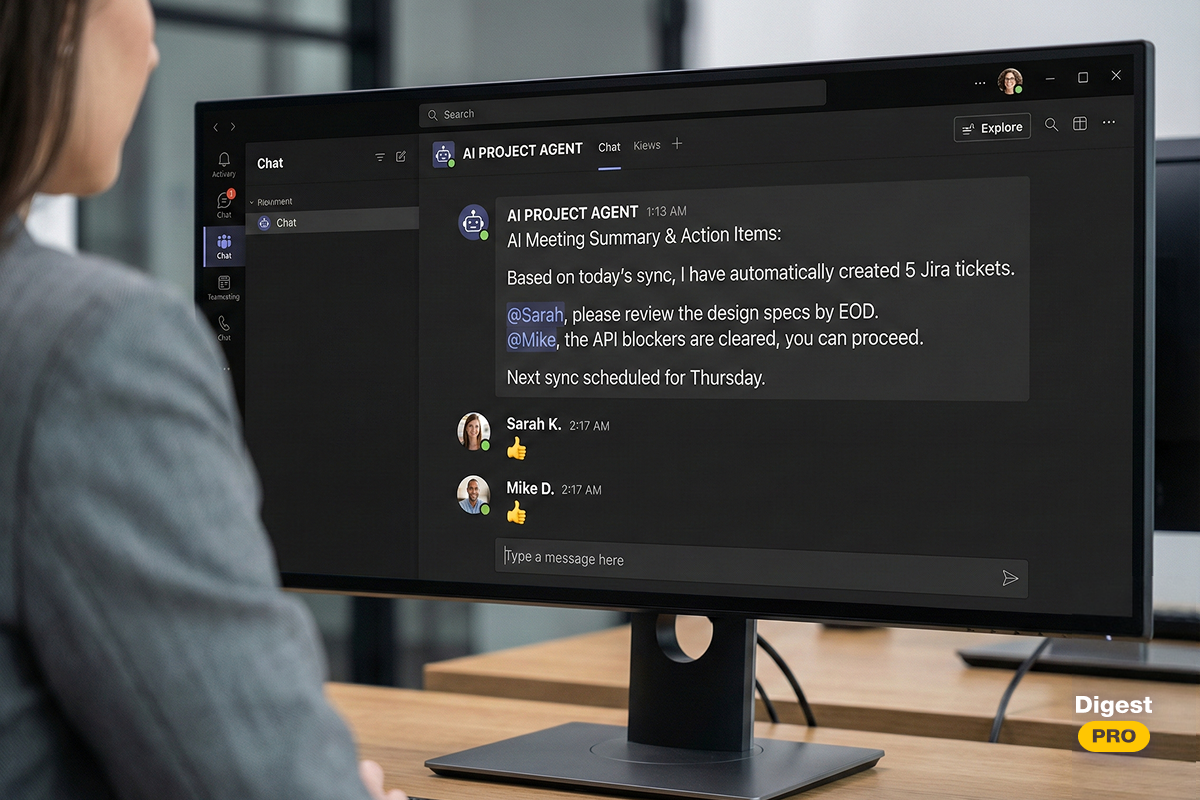
- In 2026, Scrum tools standards will favor automation of administrative responsibilities, such as bot-led daily standups and AI-assisted story point estimation.
- High-performance Scrum tools are now able to support the coexistence of Scrum and Waterfall methods, which is vital for the successful execution of complex hardware-software integration projects.
- Security is at the forefront of all decisions now, with enterprise-grade encryption and local data residency being the two most important criteria of Scrum tool selection.
In this article, our experts conducted comprehensive research and meticulously selected the top 13 Scrum tools based on data, user experience, and price-quality ratio.
What is a Scrum tool?
A Scrum tool refers to a type of project management software that has been specifically designed to promote the use of the Scrum framework.
With the help of such a tool, a Scrum team can effectively organize their backlog, arrange sprints, and monitor the progress visually. Initially, most of the Scrum tools were simply intended for task management. But, as of 2026, a Scrum platform has turned into a smart workspace.
Why should you use Scrum tools?
High-growth businesses must now utilize dedicated tools, rather than generic spreadsheets. The use of generic spreadsheets creates disjointed and unclear data, which leads to missed due dates.
Dedicated Scrum software provides the proper structure to effectively carry out Agile rituals. The Scrum tools allow all members of a Scrum team to be aligned with the sprint goals.
Key features of Scrum tools
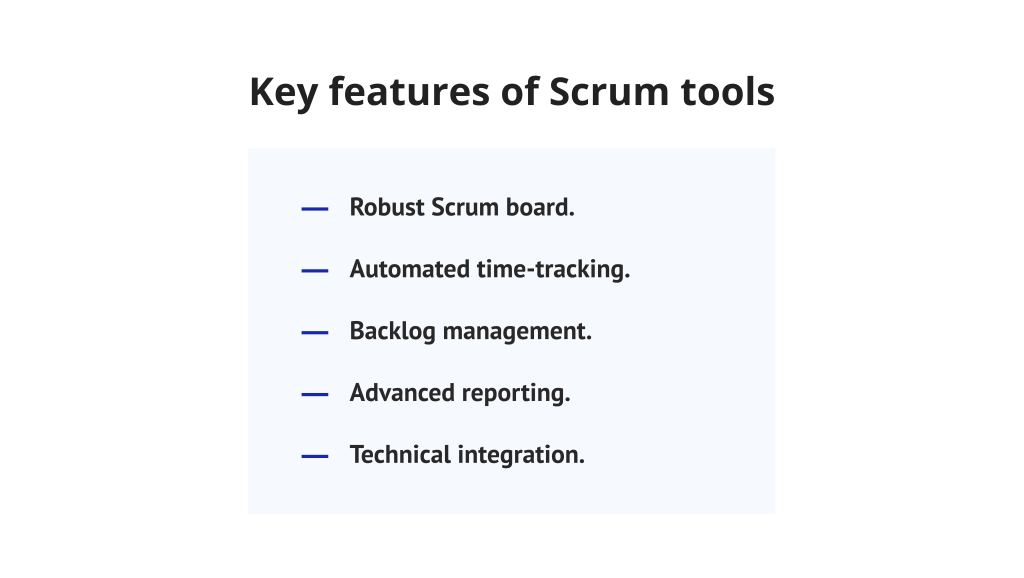
The best Scrum tools offer a comprehensive suite of features designed to enhance performance:
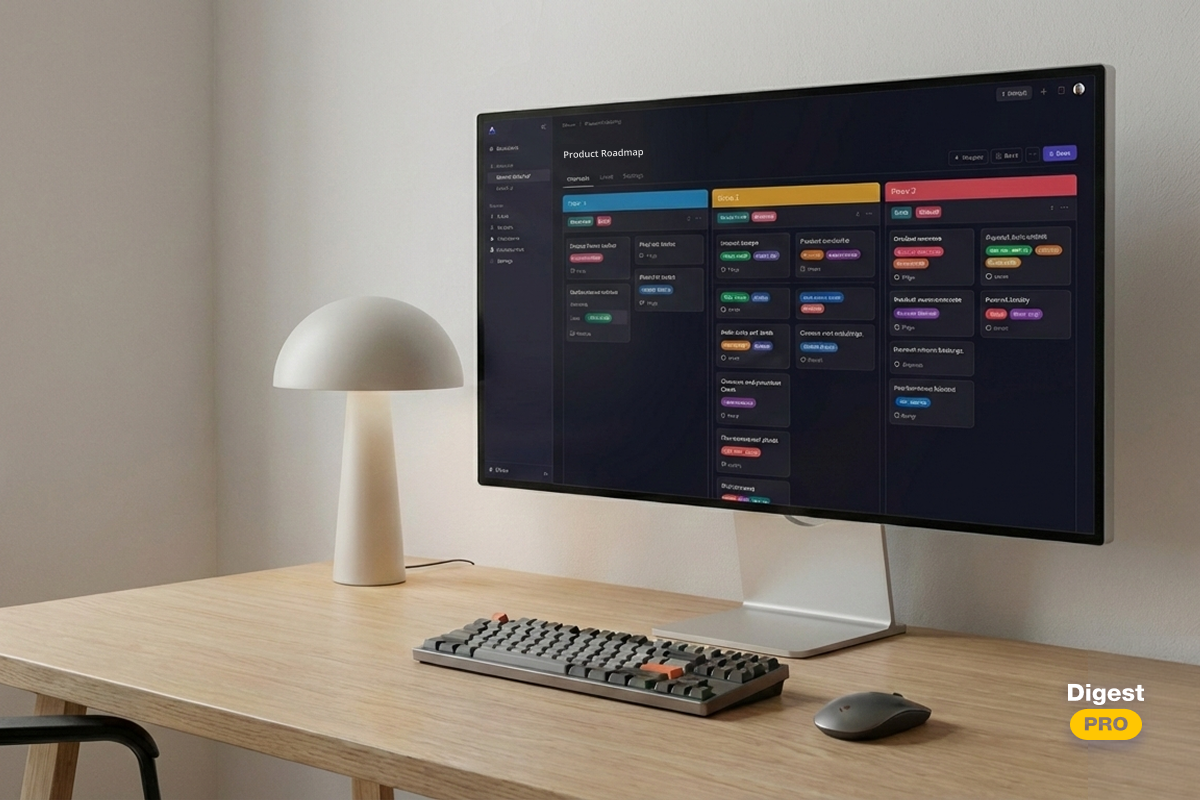
- Robust Scrum board: This feature is essential for visualizing the workflow. It enables transparent progress tracking from the “To Do” list to “Done.”
- Automated time-tracking: This feature helps in understanding how resources are being utilized.
- Backlog management: The good Scrum tools should facilitate easy prioritization. User stories are easily estimable using scoring systems.
- Advanced reporting: Burndown charts and burnup charts are a necessity for project health checks. These charts give a quick understanding of how the sprint is doing.
- Technical integration: Seamless integration with software development environments is a necessity. Modern Scrum tools sync effortlessly with GitHub or GitLab.
Benefits of using Scrum tools
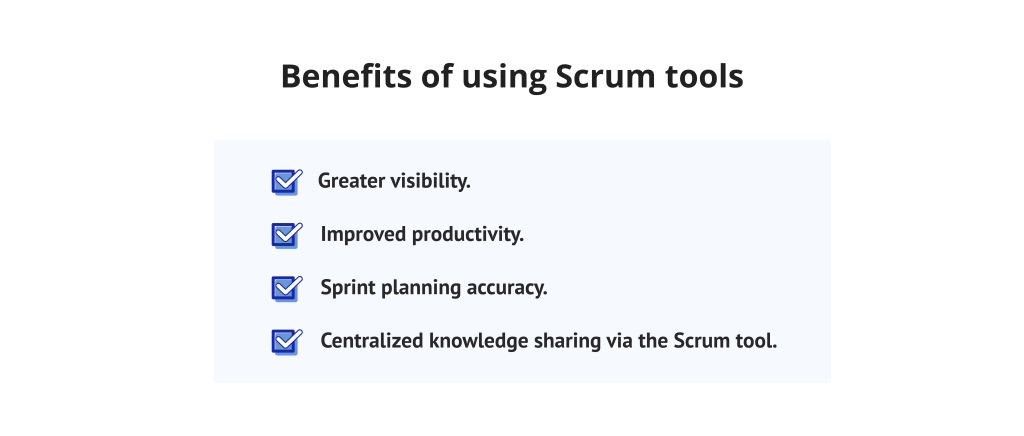
- Greater visibility: All parties involved can view precisely what is occurring within the project. This builds confidence among stakeholders and developers alike.
- Improved productivity: Scrum tools streamline task management. Teams avoid wasting time on status meetings and administrative overhead.
- Sprint planning accuracy: Scrum tools use historical data to set realistic goals. This ensures a steady delivery pace and prevents team burnout.
- Centralized knowledge sharing via the Scrum tool: Making the documentation available via the tool enhances the onboarding process for new members by providing access to historical information regarding past sprints.
Drawbacks of using Scrum tools
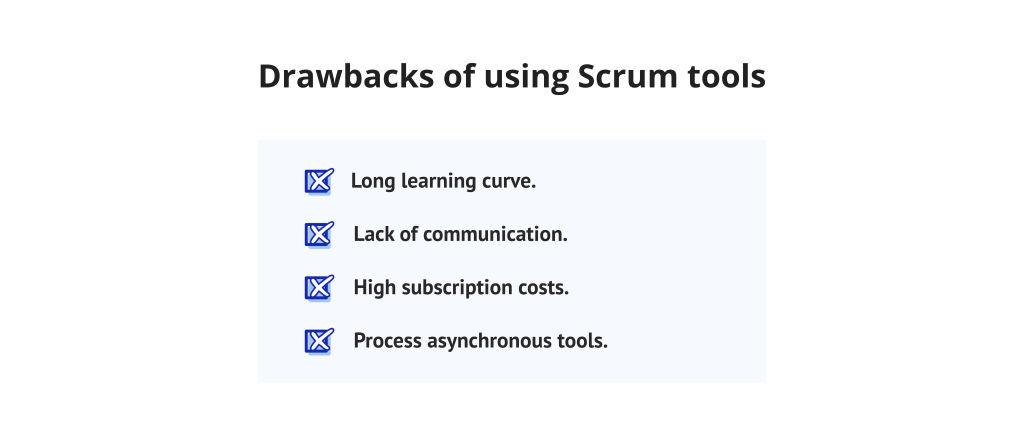
However, there are a few disadvantages that companies have to consider as well:
- Long learning curve: Advanced Scrum software can be confusing. The high complexity of Scrum tools tends to result in poor adoption for nontechnical users.
- Lack of communication: Dependence on digital tools can sometimes impede person-to-person interaction. Teams might stop talking to each other if they only communicate via tickets.
- High subscription costs: Premium Scrum software is often expensive for large firms. Costs per user add up quickly as the company scales its operations.
- Process asynchronous tools: If teams do not use Scrum principles to utilize their tools, the tool becomes a “glorified to-do list.” The Scrum tools are only going to be beneficial when structured using the processes the tool supports.
The future is defined by cutting-edge technologies. Our experts are monitoring daily and meticulously selecting the most impactful news in the software development, project management, and startup industries. To make sure you will not skip any groundbreaking trends and game-changing releases, subscribe to Digest.Pro.
Read more: 15 Best Free ERP Software Reviewed in 2026
Significant Comparison: Detailed Review of 13 Best Scrum Tools
Choosing the right Scrum tool involves a lot of functionality and user-experience considerations. We have reviewed the top Scrum tools in the market to assist you in your decision-making. This comparison concentrates on the usability of these Scrum tools in a real-world Agile project management scenario.
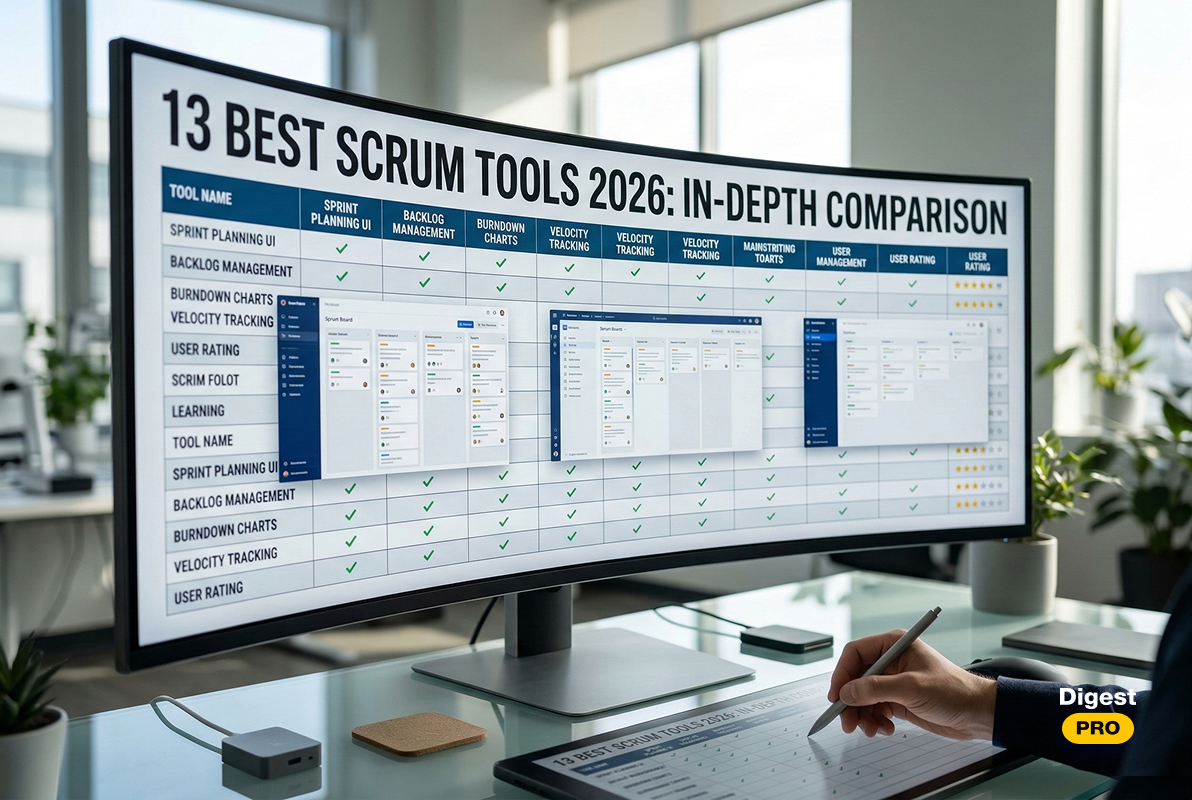
Quick Picks: Comparison Table
| Tool | Primary audience | Key strength | Pricing type |
|---|---|---|---|
|
Jira | Software teams | Deep customization | Freemium |
|
Trello |
Small teams |
Visual simplicity |
Freemium |
|
Asana |
Cross-functional |
Workflow clarity |
Paid |
|
Monday.com |
Business Ops |
Visual automation |
Paid |
|
ClickUp |
All-in-one |
Feature density |
Freemium |
|
Miro |
Creative teams |
Infinite canvas |
Freemium |
|
Wrike |
Enterprise |
Advanced analytics |
Paid |
|
Zoho Sprints |
Budget-conscious |
Eco-system sync |
Paid |
|
Teamwork |
Agencies |
Client portal |
Paid |
|
Targetprocess |
Scaled Agile |
Portfolio view |
Enterprise |
|
Quickbase |
Low-code fans |
Custom apps |
Paid |
|
VivifyScrum |
Pure Scrum |
Simplicity |
Paid |
|
Scrumwise |
Purists |
Intuitive UI |
Paid |
Read more: 15 Best ERP Software for Small Businesses Reviewed in 2026
1. Jira

Jira is the titan of the industry. It is arguably the best Scrum platform for technical teams worldwide. This Scrum tool has unparalleled depth in Scrum project management.
Best for
Enterprise and large software development teams with very high scalability requirements and/or with complex workflows.
Distinguishing feature
The “Jira Query Language” (JQL) is a powerful tool that enables users to build very complex filters and reports, almost without any limitations. This is a feature that takes the data granularity to a level where no other Scrum tools are capable of matching it.
Pros and Cons
- Pros:
- Incredibly deep development tool integrations
- Robust reporting capabilities.
- Cons:
- Very complex to use
- Steep learning curve
- Can feel cumbersome for non-technical users
Pricing model
Free for up to 10 users. Standard, Premium, and Enterprise tiers follow based on feature needs.
Verdict
When complexity fits the task, Jira stands out among Scrum tools built for serious project tracking. Should setup effort not deter you, its depth becomes clear through unmatched capability.
2. Trello
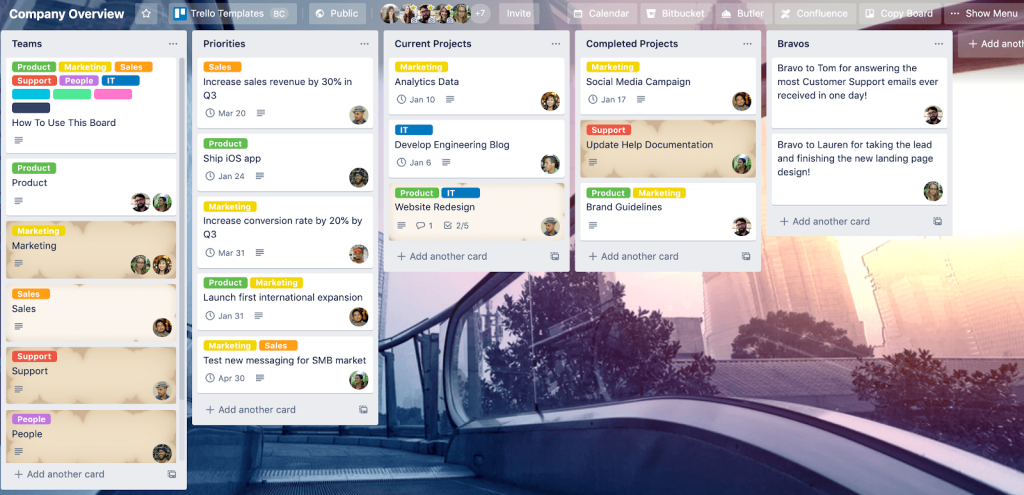
A shift in workflow tools began when Trello introduced Kanban to broader audiences. Known for clear layouts and simple navigation, it gained status among preferred methods for Agile project handling.
Best for
Startups, freelancers, and teams that prefer a lightweight approach to task management.
Distinguishing feature
Power-Ups allow you to turn a simple board into a specialized Scrum board by adding countdowns, voting, and automation.
Pros and Cons
- Pros:
- Highly intuitive.
- Great mobile app.
- Fast setup.
- User-friendly.
- Cons:
- Lacks native deep Scrum metrics like velocity charts without third-party add-ons.
Pricing model
Among other Scrum tools, Trello has a generous free tier. Paid plans offer more Power-Ups and higher security controls.
Verdict
Choose Trello if you want to start your first sprint in five minutes. It is the best Scrum software for those who prioritize simplicity over complex data.
3. Asana
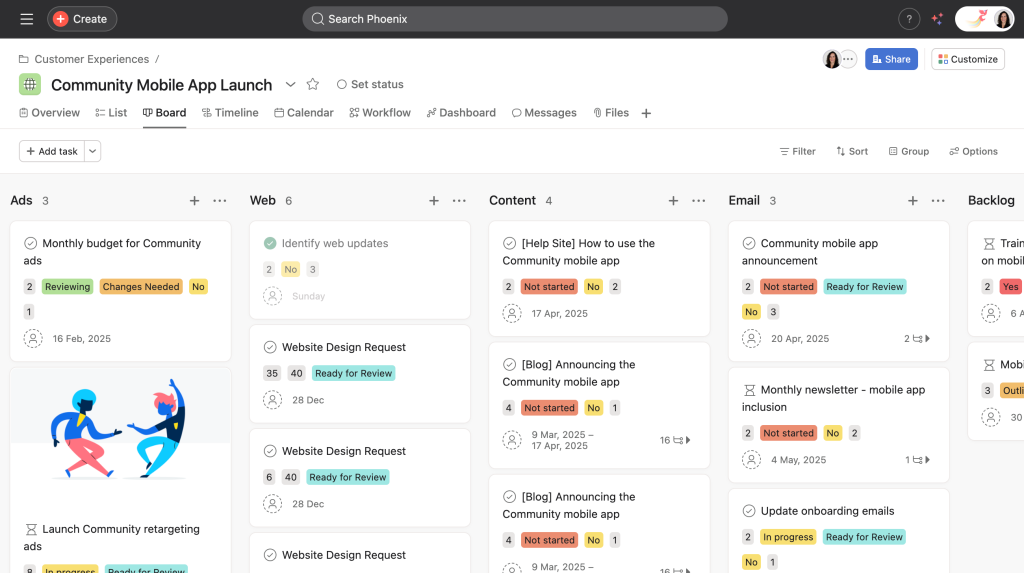
Asana is a leading company in the project management tool industry. Asana is all about the “who is doing what by when” and offers excellent clarity for diverse teams.
Best for
Cross-functional teams that need to align marketing, sales, and development in one project management platform.
Distinguishing feature
Unlike other Scrum tools, Asana has the “Timeline” view, a dynamic Gantt chart. It helps teams see dependencies and adjust sprint planning schedules in real time.
Pros and Cons
- Pros:
- Modern user interface.
- Useful task dependencies.
- Convenient workload management.
- Cons:
- No native “Scrum-only” focus.
- Users have to build their Scrum workflow manually.
Pricing model
Tiered pricing based on seats. Features like “Goals” and “Portfolios” are locked behind higher tiers.
Verdict
Asana is a great Scrum platform for companies that value design and broad organizational alignment.
4. Monday.com
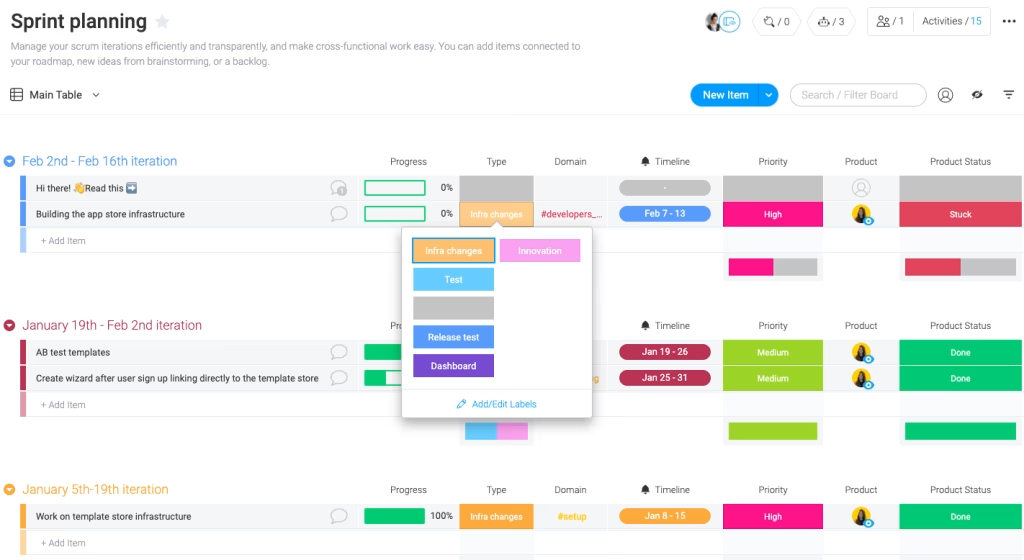
Monday.com has rebranded itself as a “Work OS.” It is a highly customizable project management tool that adapts to any business logic.
Best for
Operations managers and project management offices (PMOs) that require a very visual tool to manage Scrum workflows.
Distinguishing feature
The automation builder allows you to set up complex “if-this-then-that” rules without writing a single line of code.
Pros and Cons
- Pros:
- User-oriented visual boards and automation.
- 24/7 support.
- Cons:
- Can become expensive as you add more users and features.
Pricing model
Pricing is based on blocks of users. There is a basic free version for individuals.
Verdict
Monday.com is the best Scrum software for teams that want to automate their boring administrative work.
5. ClickUp
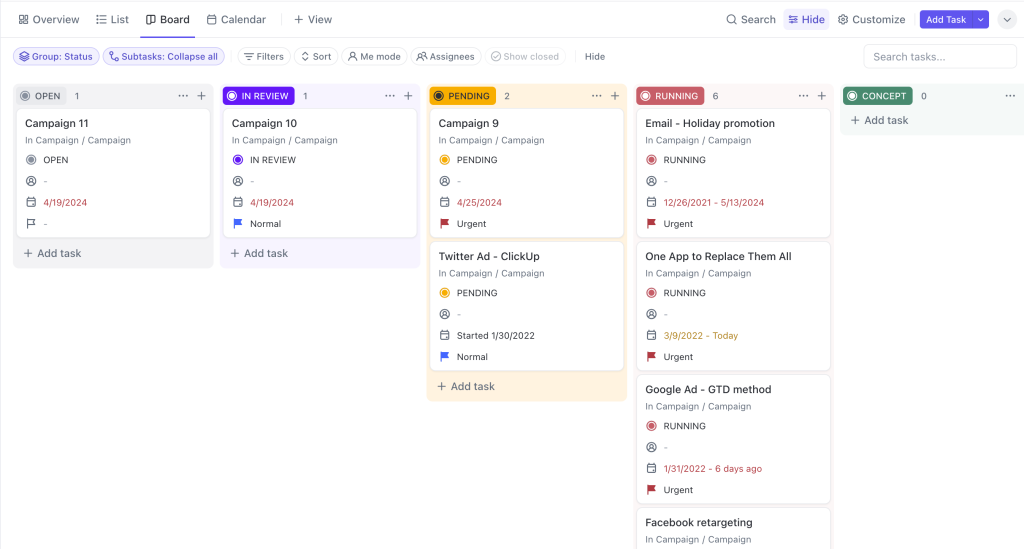
ClickUp markets itself as the “one app to replace them all.” It is a feature-rich Scrum tool that offers docs, goals, and chat in one place.
Best for
Teams are looking for an all-in-one project management software to reduce their tool stack.
Distinguishing feature
The “Everything View” allows managers to see tasks across all levels of the hierarchy in one list or board.
Pros and Cons
- Pros:
- Wide range of features.
- Affordable pricing.
- Constant updates.
- Cons:
- The interface can feel cluttered due to the sheer number of buttons and options.
Pricing model
Excellent “Free Forever” plan. Paid tiers unlock advanced AI and unlimited storage.
Verdict
ClickUp is the top Scrum software for value-seekers who want every possible feature in a single subscription.
A fast-changing world requires businesses to stay competitive, stay tuned, and be aware of all new updates, releases, trends, and challenges. In your mind the question, ‘Where can I find out all the latest news?’ can arise. The answer will be simple: subscribe to Digest.Pro.
Read more: 20 Best Kanban Tools To Improve Workflow Efficiency In 2026
6. Miro
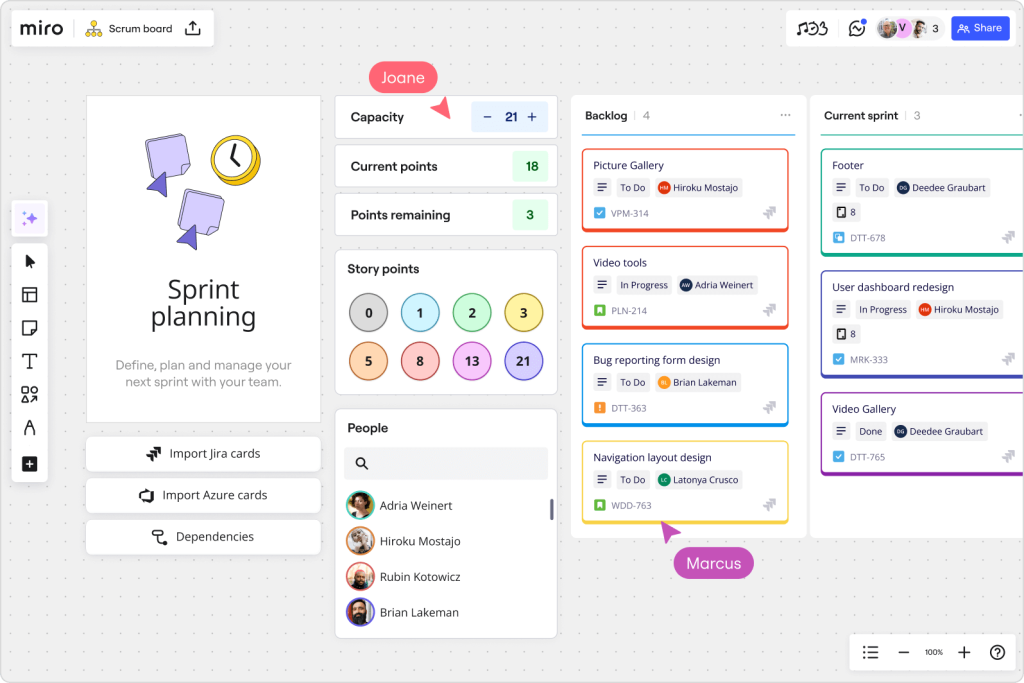
A digital canvas known as Miro supports group work across distances. Though lacking standard job-tracking features, it serves effectively in Agile sessions, especially when teams meet virtually.
Best for
Remote Scrum teams during sprint planning and retrospective meetings.
Distinguishing feature
The “Infinite Canvas” allows for unstructured creativity. You can move from a mind map to a Scrum board seamlessly on the same page.
Pros and Cons
- Pros:
- Unmatched for collaboration.
- Useful templates.
- Cons:
- Not a database-driven tool; it can be hard to track thousands of tasks long-term.
Pricing model
Free for 3 boards. Paid plans offer private boards and advanced visitor permissions.
Verdict
Miro is the best Scrum software for the creative phase of Agile. Use it alongside Jira or Asana for the best results.
7. Wrike
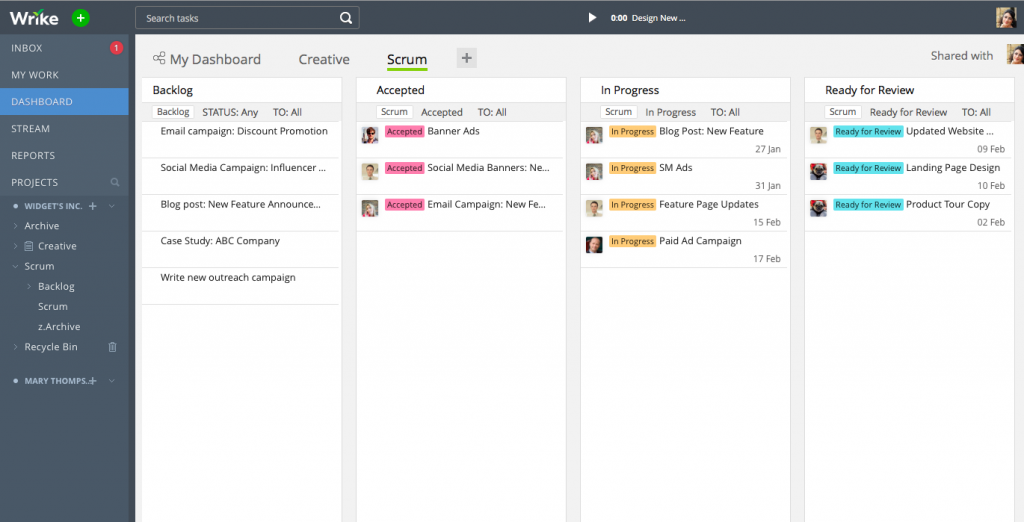
Wrike offers an enterprise-level project management solution that focuses on large-scale, complex projects with the capability of providing you with in-depth resource management.
Best for
Mid- to large-sized marketing agencies or internal creative departments.
Distinguishing feature
The “Wrike Analyze” tool provides you with a comprehensive, customizable dashboard that competes with stand-alone business intelligence tools.
Pros and Cons
- Pros:
- Robust security.
- High-end reporting.
- Cons:
- The user interface feels more corporate and less “modern” than other Scrum tools.
Pricing model
Free for small teams. Professional and business tiers are the most common for Agile users.
Verdict
Wrike is a solid Scrum software for those who need “enterprise-level” stability and power.
8. Zoho Sprints
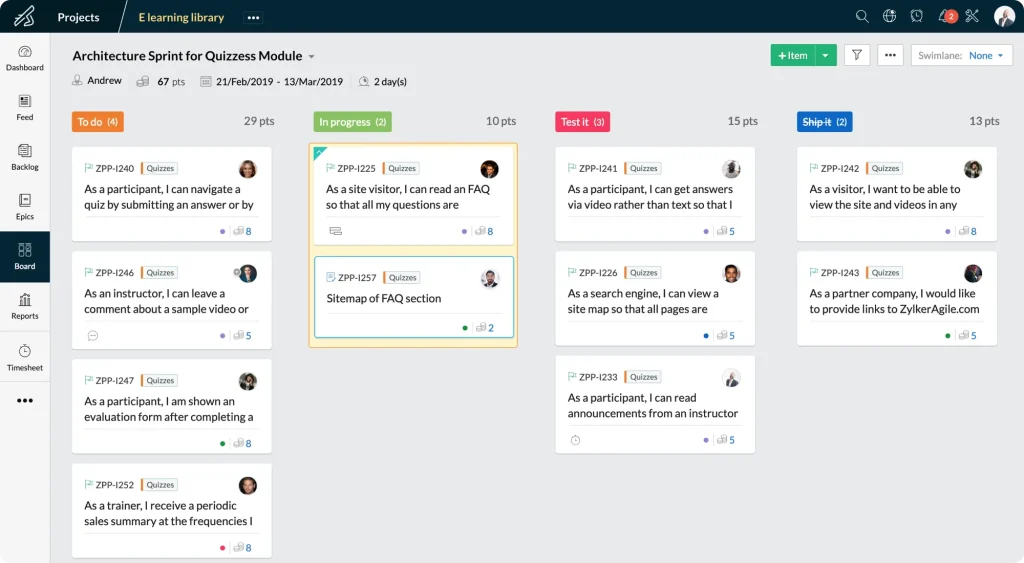
Zoho Sprints is part of the larger ecosystem of software applications that Zoho produces, and this application is exclusively designed as a Scrum management application.
Best for
Small to medium businesses are already using Zoho CRM or Zoho Books.
Distinguishing feature
The seamless integration with the other Zoho applications provides your Scrum team the ability to synchronize their work with the sales and financial teams on a real-time basis.
Pros and Cons
- Pros:
- Affordable pricing.
- Scrum-focused.
- User-friendly even for freshmen.
- Cons:
- The UI is a bit dated.
Pricing model
In contrast to expensive Scrum tools, Zoho Sprints is very budget-friendly. Pricing is usually based on the number of projects or users.
Verdict
This is the best Scrum software for budget-conscious teams that want a tool that does exactly what Scrum says.
9. Teamwork
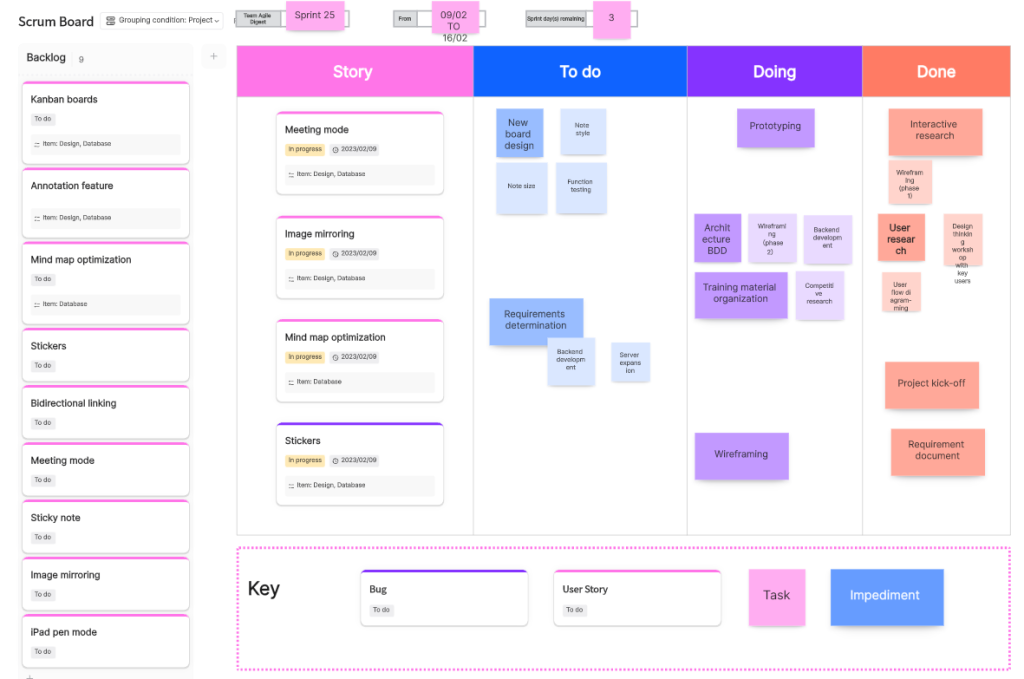
Teamwork is a project management tool designed specifically for client-facing work. It balances internal tasks with external visibility.
Best for
Professional service firms and agencies that run sprints for their clients.
Distinguishing feature
The integrated billing and invoicing feature allows you to turn logged hours into client invoices instantly.
Pros and Cons
- Pros:
- Client access is free.
- Easy time-tracking functionality.
- Profitability reports.
- Cons:
- The Scrum features aren’t as deep as other Scrum tools (e.g., Jira).
Pricing model
Free version available. Paid plans scale with the number of projects and advanced features.
Verdict
Teamwork is the best Scrum platform for agencies that need to prove their value to clients through data.
10. Targetprocess

Targetprocess is an advanced Agile project management tool. It is designed to help organizations scale Agile across multiple departments (SAFe, LeSS).
Best for
Enterprises implementing scaled Agile frameworks.
Distinguishing feature
With the use of “Visual Encoding,” users will be able to assign colors to cards based on any data point (e.g., level of risk/priority).
Pros and Cons
- Pros:
- Excellent for big-picture visibility and portfolio management.
- Cons:
- Too complex for a single small Scrum team.
Pricing model
Custom enterprise pricing. Usually requires a consultation.
Verdict
Targetprocess is the best Scrum project management tool for companies that have moved beyond a single team.
Read more: 10 n8n Alternatives: Best Workflow Automation Tools in 2025
11. Quickbase
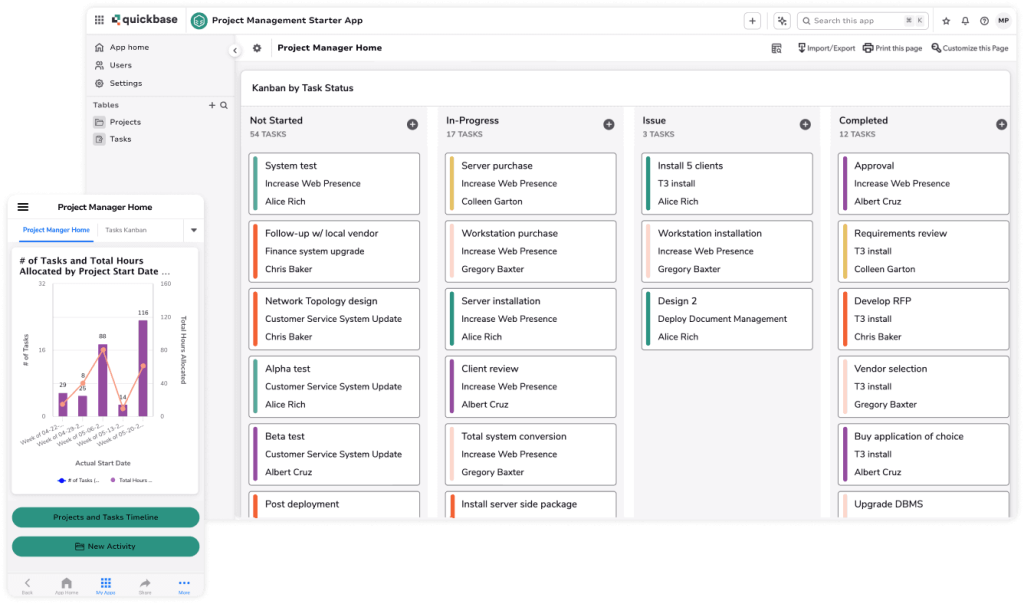
Quickbase is a low-code platform used to create custom Scrum solutions without having any programming knowledge.
Best for
Industries like construction or manufacturing have unique workflow needs.
Distinguishing feature
Building exactly what you need happens easily with Quickbase. Because it handles relationships between data pieces, groups track details that most ready-made tools miss entirely.
Pros and Cons
- Pros:
- Limitless customization.
- Great for complex data.
- Cons:
- Requires time to build and maintain your custom app.
Pricing model
Higher entry price point. Targeted at mid-market and enterprise businesses.
Verdict
Quickbase is the top Scrum tool for those who find off-the-shelf software too restrictive.
12. VivifyScrum
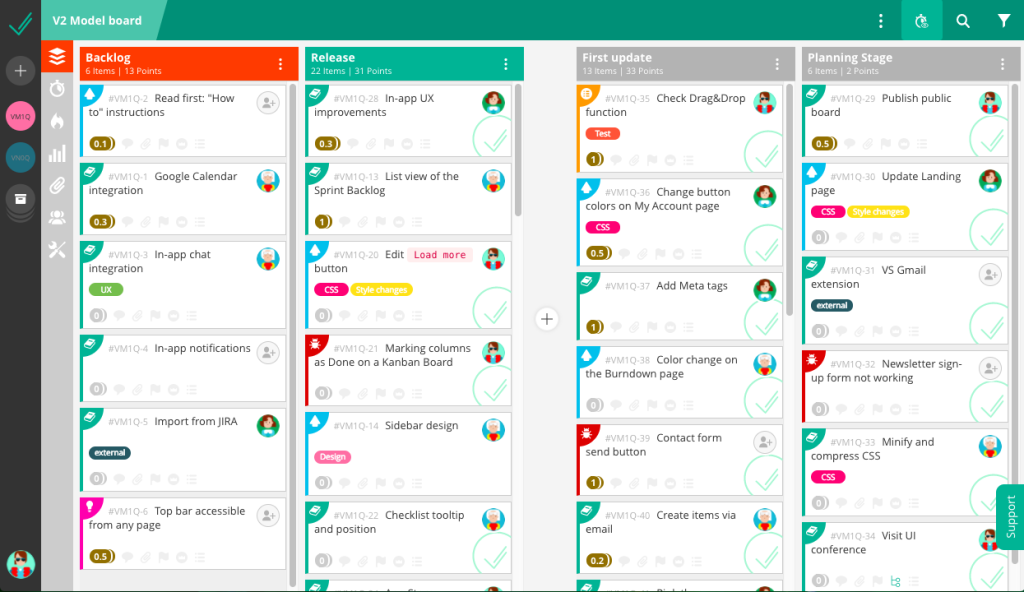
VivifyScrum strips away clutter, built only for clarity. A workspace where tasks stay visible without noise crowding them out.
Best for
Agile purists who want a tool that follows the Scrum Guide strictly.
Distinguishing feature
Tracking member schedules during various sprints becomes easier with the Team Management tool. Availability shifts show up clearly through its interface. Capacity levels appear updated in real time. Different project phases reveal how workloads change per person.
Pros and Cons
- Pros:
- Clean UI.
- Easy to set up.
- Dedicated to Agile.
- Cons:
- Smaller integration library compared to other Scrum tools (e.g., Jira or ClickUp).
Pricing model
Single flat fee or per-user subscription options.
Verdict
VivifyScrum is a great Scrum software tool for teams that want a “no-nonsense” Scrum experience.
13. Scrumwise
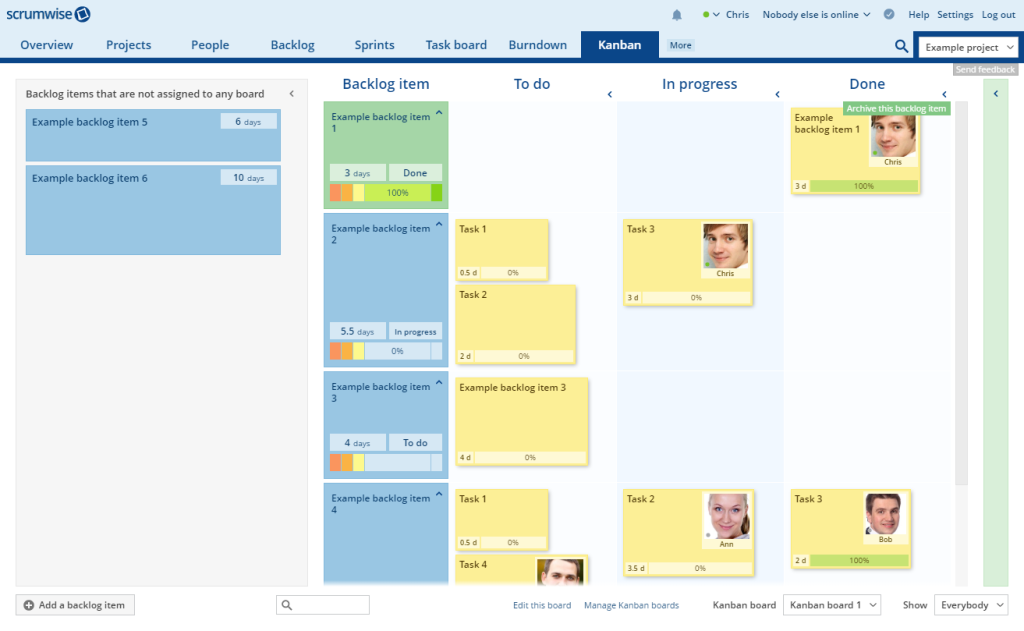
Scrumwise is frequently touted as the most user-friendly Scrum tool available. It only unveils complexity when it is absolutely required by you.
Best for
Teams that are new to Scrum and want to avoid being overwhelmed.
Distinguishing feature
“Real-time” updates are very quick. There is no need to refresh to see your colleagues move cards.
Pros and Cons
- Pros:
- Blazing fast.
- Simple.
- Focused on Scrum.
- Cons:
- Lacks “big-picture” portfolio management for large enterprises.
Pricing model
Simple monthly or yearly subscription per user.
Verdict
The uniqueness that defines Scrumwise among other Scrum tools lies in its ability to fit tight teams that move fast, keeping every task in place without slowing a single step.
How to choose the perfect Scrum tool for your project?
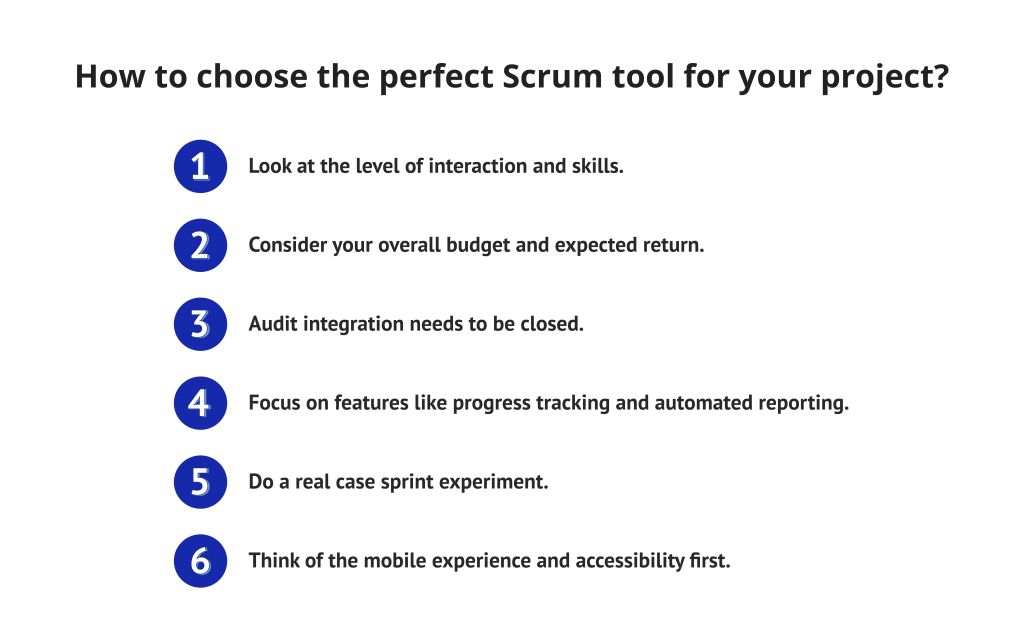
- Look at the level of interaction and skills. For example, a small creative agency working at high speed needs very easy-to-use interfaces. A 500-person engineering department needs a robust Scrum platform with extensive governance. Also, for nontechnical teams, it is better not to use platforms like Jira. Its complex setup process most of the time results in ‘tool burnout’ instead of productivity.
- Consider your overall budget and expected return. Keep in mind that the “price tag” you see on the product hardly ever includes the hidden costs of Scrum tools implementation, consultant fees, team training, etc. Weigh the long-term value you get against the cost of a monthly subscription.
- Audit integration needs to be closed. The Scrum software connects with what you already use—Slack, GitHub, maybe Microsoft Teams. Without those links, information gets stuck, harming how clearly everyone sees progress. Silos slow things down more than most admit.
- Focus on features like progress tracking and automated reporting. Your Scrum tool must provide charts or reports such as velocity, burnup, and burndown without your input. In 2026, manually coming up with reports will not be worth your Scrum master’s time at all.
- Do a real case sprint experiment. Choose a platform that gives the possibility to use a tool for free for a while or a pilot program. Try the instrument in an actual sprint to figure out how it deals with daily changes and how the team perceives the user interface.
- Think of the mobile experience and accessibility first. In case your team is very mobile or works in a hybrid setting, a good mobile app is your key. Make sure the tool lets you access it fluidly on all the gadgets without losing the main features.
Read more: 8 Best Open Source Product Management Software of 2026
Summary: Scaling performance with Scrum tools
Leading Scrum tools have evolved from merely being card storage systems. If you unify all your Scrum project management in one place, you give your team the right of way to concentrate on the main thing: creating value.
The Scrum tools can only be effective if the Scrum team uses them every day. Spend your money on training and pick a platform that your staff actually likes to use. Keep in mind that any Scrum software aims to enhance the visibility of work and reduce the amount of stress.
We assembled a team of experienced experts who scrupulously search, select, and verify information. We publish only the most important news, useful articles, and information guides. Our material will provide you with the best source of information for making informed management decisions. To receive personalized news selection once a week, subscribe to Digest.Pro.
Our Methodology: How We Selected the Best Scrum Tools
Our selection of the best Scrum tools was done methodically and with a data-based approach. First, we found more than 40 names that can be worked with using Agile project management. After that, based on the 2026 market standards, we set the criteria that allowed us to cut that list to the 13 best Scrum tools.
- Framework adherence: We looked at how each of the Scrum tools helps with the main Scrum ceremonies, like backlogs, sprints, and velocity tracking.
- AI and automation: We gave more weight to the Scrum tools that are bringing the future in with features such as predictive analytics and automated workflows.
- User experience (UX): We examined the Scrum tools’ interfaces not only for their ease of use but also for their speed and mobile responsiveness.
- Integrations: We made sure that the Scrum tools can easily connect with the developer and business tech stacks of today.
- Market presence and reliability: We combined the analysis of users’ reviews, the studies of the adoption of enterprises, and the financial stability of the vendors.
- Pricing value: We looked at the sets of features versus the price and found a high return on investment for the user.
FAQ
Modern Scrum tools fall into two main categories: versatile generalists and framework purists. Generalists like Jira or ClickUp handle cross-functional complexity well. Purists like Scrumwise or VivifyScrum focus strictly on the Scrum Guide to minimize process friction.
Jira is the enterprise benchmark for Scrum tools. While highly powerful, it requires professional configuration to avoid “administrative bloat.” It excels in linking technical requirements with strategic business goals.
The “best” choice really depends upon your current maturity level as a team. For complex enterprise-level scaling, Jira simply cannot be beat, while Trello continues to rule in its simplicity and visual aspect. Currently, the best Scrum solution for those who are tired of “tool fatigue” is ClickUp because it can house all work documents, project goals, and all task info in one place.
Free tiers are excellent for lean teams of up to 10 members, but they often hit a “ceiling” during growth. You should expect to invest in a paid plan once you require cross-team data analytics or AI-driven risk alerts to manage complex releases.
The use of AI has changed from a gimmick to a must by automating manual capacity planning and highlighting any delays even days before. This change in the Scrum tools industry frees up a Scrum master’s time by 15 hours, which would have been spent on paperwork, and hence the Scrum master can concentrate on coaching.
The bigger companies usually prefer all-in-one platforms as a way of cutting down the cost of switching their minds between different apps. On the other hand, small, fast-moving teams tend to find “pure” Scrum tools more productive, as they get rid of the distraction caused by features of a business that are not related.
Right now, top tools include Jira (the best Scrum tool for scaling), Asana, known for clear workflows, and Monday.com, which leans into visual operations. Trello stands out when simplicity matters; ClickUp pulls everything together. Success hinges on accuracy, true enough—but only if people keep entries fresh each day. Whichever of the Scrum tools fit, they must earn regular use, since stale inputs break any system.
The rule at the basic level describes 3 roles, 5 events, and 3 artifacts as the main elements of the entire framework. Make sure that the Scrum tool you decide to use natively supports these pillars so that you don’t have to do the work “around” the software to stay compliant.
Not every method sticks to strict stages—Scrum leans on repeated cycles instead. From adjusting priorities straight into planning, groups shift smoothly toward building work. Once built, sessions like reviews and reflections open space for real insight. Over time, output stays strong because how things get done keeps improving, too.
Flexibility shapes how teams think when they adopt Agile, whereas Scrum gives structure to those thoughts through defined actions. Though Agile sets direction, it relies on concrete steps found in Scrum to move forward. One leads to adaptation; the other brings routine that supports change. Success often comes not just from aiming at agility but also from applying consistent practice. Vision needs form—Scrum supplies what words alone cannot deliver.
References
- https://iopscience.iop.org/article/10.1088/1757-899X/981/2/022060/pdf
- https://pure.au.dk/ws/files/140614726/paper0681.pdf
- https://scholarspace.manoa.hawaii.edu/items/7f09d8fb-c3d2-4c72-919f-c22bb839aab6
- https://asprotunity.com/resources/articles/AnIntroductionToScrum_SDJ_06-2006_EN.pdf
- https://www.proquest.com/openview/8312b24e2d9eb9f1395c6addd68f59ea/1?pq-origsite=gscholar&cbl=5444811