

It is no secret that Jira is the system of record used by software developers following Scrum and Kanban methodologies, while Wrike works best for PMOs, marketing departments, and portfolio management teams.
Key takeaways:
- Software teams running Scrum or Kanban → Jira
- PMOs managing multi-department programs and resource capacity → Wrike
- Organizations running both → Wrike’s two-way Jira sync connects the two
After finishing this article, you will know which platform fits your team’s workflow, what each one actually costs at your headcount, and where the real trade-offs sit in the Jira vs. Wrike decision for 2026.
📌 For more PMO and software-buying breakdowns like this one, follow Digest.Pro on LinkedIn.
Wrike vs. Jira: Quick Comparison
Wrike software is a work management platform built for cross-functional teams — marketing, operations, IT PMOs, agencies, and even real property management portfolios juggling dozens of concurrent projects.
Atlassian has developed Jira software, which includes features such as issue tracking for engineering teams and planning for ongoing projects across development processes. Both solutions aim to provide teams with important collaboration functionalities while offering basic project management features.
However, both products are optimized for different tasks: Wrike provides greater visibility on the portfolio level, while Jira specializes in completing sprints.
In case your project is represented through a bug ticket or user story, it is better to opt for Jira.
Wrike Overview

Wrike is an AI-native work delivery platform. The Work Intelligence® Graph is utilized by Wrike Copilot and other AI agents to monitor threads of conversations, make alerts regarding the projects, and generate visualizations when required. According to Gartner Peer Insights, Wrike has been awarded the Customers’ Choice in project and portfolio management.
Key Features
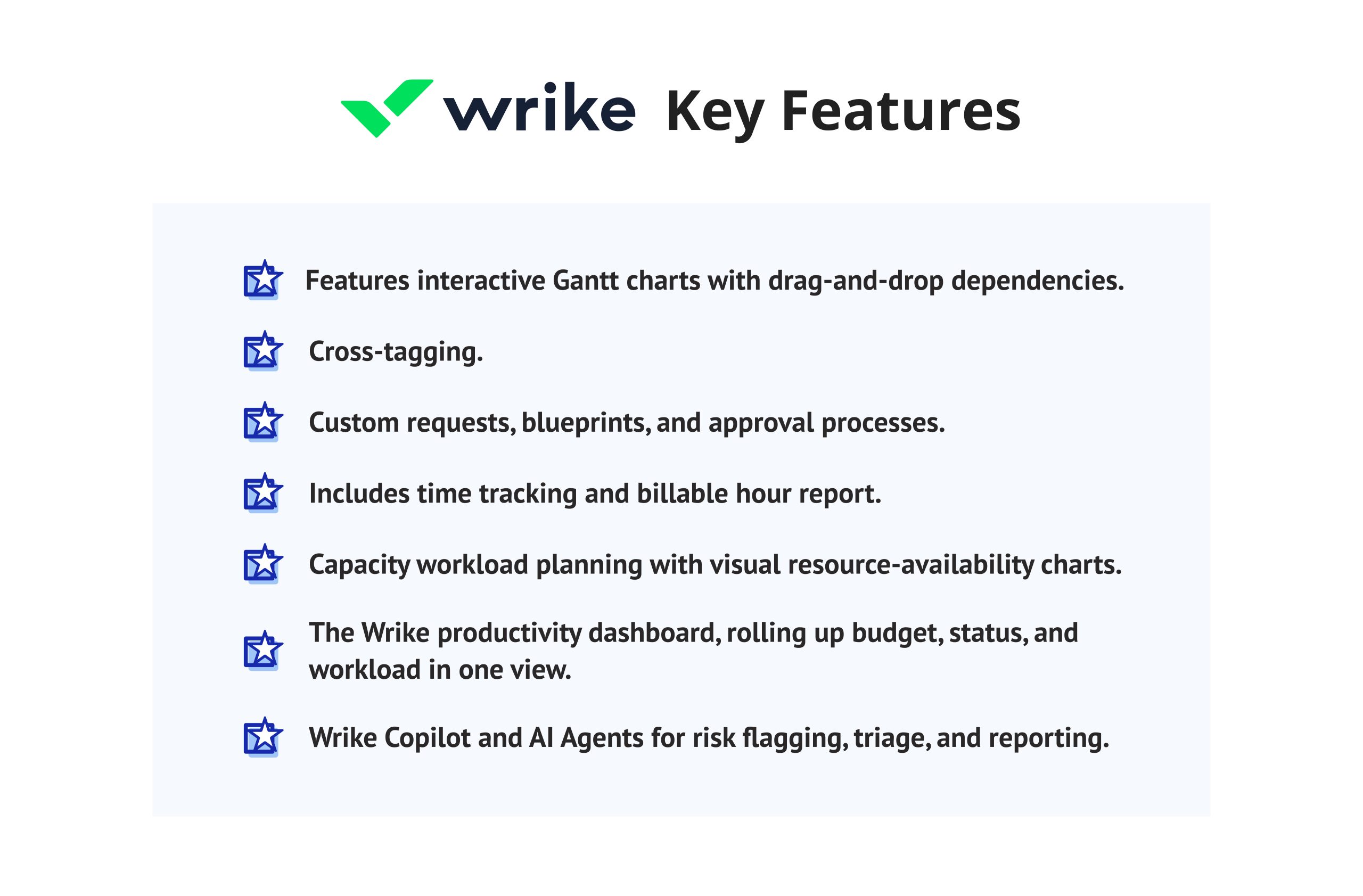
- Features interactive Gantt charts with drag-and-drop dependencies
- Cross-tagging
- Custom requests, blueprints, and approval processes
- Includes time tracking and billable hour report
- Capacity workload planning with visual resource-availability charts
- The Wrike productivity dashboard, rolling up budget, status, and workload in one view
- Wrike Copilot and AI Agents for risk flagging, triage, and reporting
Pros
- Deep resource management and workload capacity planning for PMOs and agencies
- 400+ integrations, including Salesforce, NetSuite, Microsoft Teams, and a two-way Jira sync
- Generous free plan with unlimited users for basic task management
- AI Agents and an MCP Server that connect Wrike data to outside assistants such as Claude
Cons
- Steep first-week learning curve
- Business tier requires annual billing and a five-seat minimum (about $125/month to start)
- Premium add-ons — Integrate, Sync, Whiteboard, and a dedicated database management layer called Datahub — cost extra outside the Apex tier
- Customer support response times are a recurring complaint in verified reviews.
Pricing
Wrike has five plans in its new pricing structure effective as of January 2026.
- Free: gives unlimited users access to basic project management tasks
- Team (for $10/user/month): is applicable for up to 25 users.
- Business (for $25/user/month): is ideal for 5-200 users.
- Pinnacle and Apex tiers for enterprises, which are customized and priced, according to Wrike.
Jira Overview
Jira Software is Atlassian’s leading product for project management and can be seen as the industry standard in engineering teams. Atlassian is pursuing a strategy that is heavily affected by Artificial Intelligence these days: it has launched a Teamwork Graph functionality that receives data from Rovo AI for creating issues, summarizing discussions, and managing projects in Jira and Confluence.
As Atlassian CEO and co-founder Mike Cannon-Brookes put it at the company’s Team ’26 keynote, “Intelligence is the engine, but context is the fuel” (Arclight Digital, 2026).
Key Features
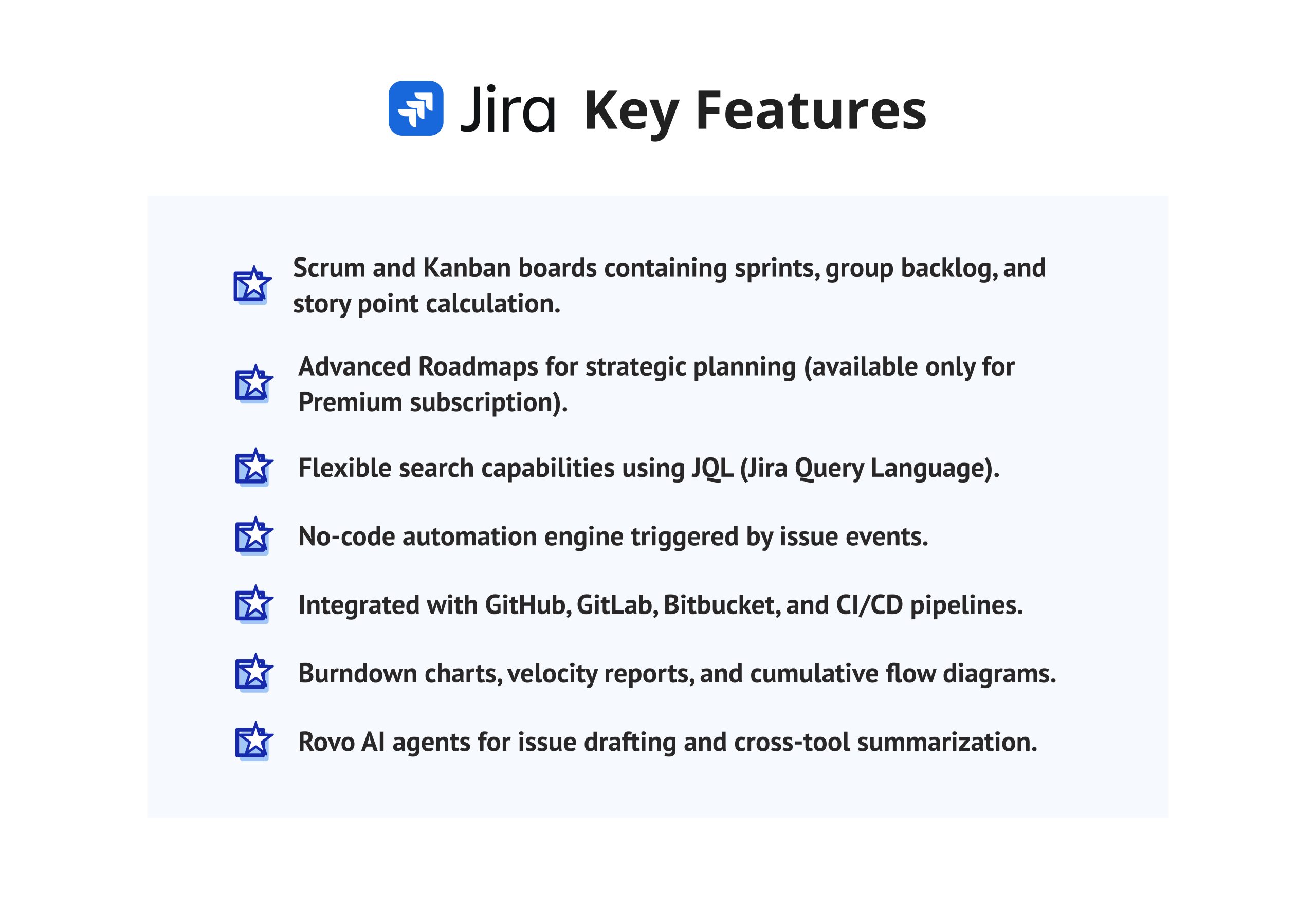
- Scrum and Kanban boards containing sprints, group backlog, and story point calculation
- Advanced Roadmaps for strategic planning (available only for Premium subscription)
- Flexible search capabilities using JQL (Jira Query Language)
- No-code automation engine triggered by issue events
- Integrated with GitHub, GitLab, Bitbucket, and CI/CD pipelines
- Burndown charts, velocity reports, and cumulative flow diagrams
- Rovo AI agents for issue drafting and cross-tool summarization
Pros
- A popular tool for Agile software deliveries among technology teams
- Customizable workflows for Scrum, Kanban, and hybrid processes
- Free plan is available for groups of no more than ten users
- Strengths include scaling from one single backlog to many teams
Cons
- Learning curve for non-technical teams, where it may take from two to four weeks
- There are limits on automation runs depending on the tier selected (100 automated runs per month for Free version and 1,700 runs on Standard version)
- User interface that is full of terminology and makes it hard for non-agile users
- Customer support is help-center-based on Standard; premium support needs Premium or Enterprise.
Pricing
Jira has four different pricing packages.
- Free: available for up to 10 users, which has 2GB storage and allows 100 automation runs every month.
- Standard (at $7.91/user/month): provides 1,700 automation rule runs per month, 250 GB of storage, and up to 100,000 users per site.
- Premium (for $14.54/user/month): provides unlimited storage, 24/7 support for critical issues, and customizable onboarding by team type.
- Enterprise tier which allows unlimited automations and an uptime guarantee of 99.95%.
Wrike vs. Jira: Comprehensive Comparison Table
|
Criteria |
Wrike |
Jira |
|
Best for |
PMOs, agencies, cross-functional programs |
Software development teams, agile squads |
|
Starting price |
Free; Team $10/user/mo |
Free; Standard $7.91/user/mo |
|
Mid-tier price |
Business ~$25/user/mo |
Premium $14.54/user/mo |
|
Gantt charts |
Native, with dependency mapping |
Via Advanced Roadmaps (Premium+) |
|
Time tracking |
Native, from Business tier |
Via Marketplace apps |
|
Agile boards |
Basic Kanban |
Native Scrum and Kanban |
|
Resource/capacity planning |
Strong, native |
Limited without add-ons |
|
Issue tracking depth |
Moderate |
Deep (JQL, custom workflows) |
|
AI features |
Wrike Copilot, AI Agents |
Atlassian Intelligence, Rovo agents |
|
Free plan users |
Unlimited |
10 |
|
G2 rating |
4.2/5 |
4.3/5 |
|
Capterra rating |
4.4/5 |
4.4/5 |
Why can you trust our review?
This evaluation of Jira and Wrike in 2026 has been conducted through practical tests, rather than using marketing materials.
We evaluated these project management systems based on the following six parameters that a PMO purchase committee would consider: operating efficiency, depth of project management features, price transparency, integration ecosystem, AI capabilities, and scalability level.
The editorial team operated actual trial workspaces on both platforms in July 2026, examined Gantt dependency planning, and noted the onboarding of a layman. We then cross-referenced those notes against vendor pricing pages, and Gartner Peer Insights, and verified G2 and Capterra reviews — every price and rating here was checked against a live source before publication.
Summary
Seemingly, the rivalry between Wrike and Jira lies in the fact that Jira software is inherently suited for engineering teams involved in sprints, backlog, and pull request management. On the other hand, Wrike is best for PMOs and portfolio managers who require workflow and capacity planning, budget rolling, and tagging between the various project management software, including marketing, operations, and IT.
Teams researching Jira alternatives because their business side can’t adopt agile terminology often land on Wrike. Teams researching Wrike alternatives because they need deeper Git and CI/CD integration usually land on Jira. When PMO buying committees weigh Jira vs. Wrike alternatives side by side, the deciding factor is almost always that core unit of work, not price. Many enterprise PMOs skip the either/or and run both, connected through Wrike’s native Jira sync.
Tool choice alone won’t fix a struggling PMO: PMI’s 2025 Pulse of the Profession found project professionals with high business acumen report an 8% failure rate, versus 11% for those with low acumen (PMI, 2025). The right platform removes friction; it doesn’t replace judgment.
📌 Want more head-to-head software comparisons like this Jira vs. Wrike breakdown? Follow Digest.Pro on LinkedIn for weekly PMO insights.
FAQs
Jira serves as a better option for teams developing software using agile methodology. It provides functionalities such as a scrum board, kanban board, sprint planning options, and various additional integration tools.
Wrike proves better when it comes to PMOs, marketing units, and unit managers involved in resource and capacity planning. It is by far less effective in dealing with tasks in the hands of engineers, as Jira can boast better methods of agile development.
For engineers, there are no other widely used tools comparable to Jira in relation to a combination of Kanban and Scrum boards, JQL, and integration with development tools. At the same time, for other types of teams searching for an alternative, Wrike, Asana, and monday.com are more appropriate software.
Yes. Wrike offers a native two-way sync with Jira, so delivery teams keep working in Jira while PMOs track that work inside Wrike’s dashboards, with updates reflected automatically in both.
There is no one project management tool that is always better than Wrike, and different Wrike alternatives can be good in certain cases – for example, Jira is for agile software engineering, and Smartsheet is usually better with spreadsheets.
Wrike is ideal for the management of various functions — campaigns in marketing, an association with clients, and for those portfolios where it is necessary to track budgets and resource capacity. As for JIRA, its main application is the delivery of software.
Wrike is unique in its audience and its high level of detailing in terms of resource management and time tracking, while Jira is richer in terms of features provided by advanced products and tools made to facilitate software development.
Wrike provides a wider range of enterprise-based features, such as request forms, approvals, cross-tagging, and budget rollups. On the other hand, Jira focuses more on advanced technical aspects such as advanced roadmaps, automation, and CI/CD integration.
Both Wrike and Jira utilize a subscription-based pricing system and offer free tiers of services. With respect to pricing, Wrike starts at the price of $10 for one user and reaches almost $25 for the business level, while Jira starts at $7.91 for the introductory level of service and reaches $14.54 for the business class level of service.
The winner for agile delivery is Jira, with its capabilities of Scrum and Kanban boards as well as sprint reports. For Wrike, the tool is capable of only light Kanban but does not support the agile ceremonies. That’s why agile teams should choose Jira as their main tool.
References
https://www.gartner.com/reviews/customers-choice-landing-page
https://www.arclight.co/recap-atlassian-pushes-ai-native-organization-vision-at-team-26-keynote/
https://www.pmi.org/learning/thought-leadership/boosting-business-acumen